

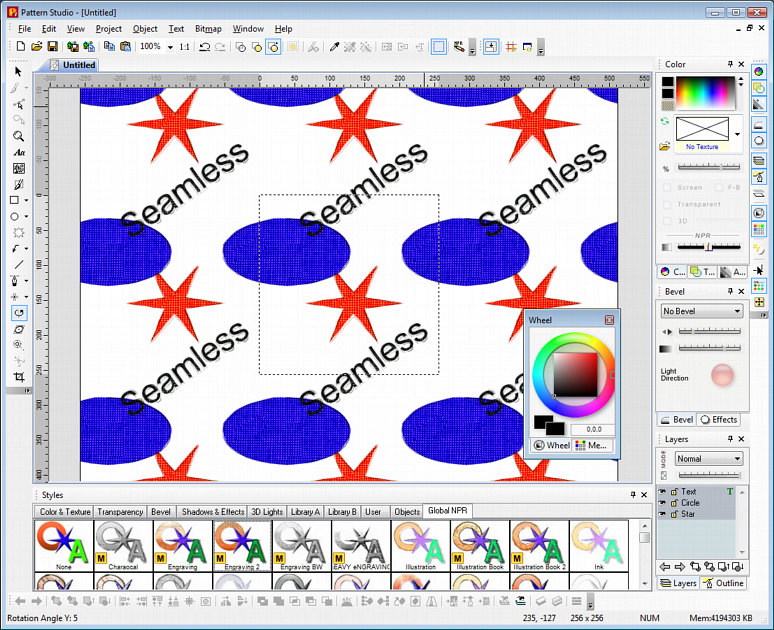
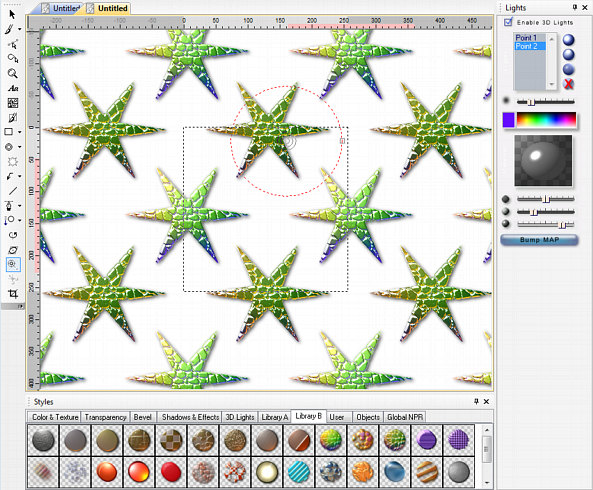
Pattern Studio is a special editor for creating seamless textures and patterns. Such textures can be used for 3D applications, cloth design, scrap-booking, web etc.
Pattern Studio uses VectorBit technology that combines vector tools with the pixel based image manipulation. On top of all this, whatever you draw or paint in it is always editable and always automatically seamless - without any additional work.
Pattern STUDIO

Overview
Overview
From seamless textures to complex
interlocking patterns, Pattern Studio does it
all.

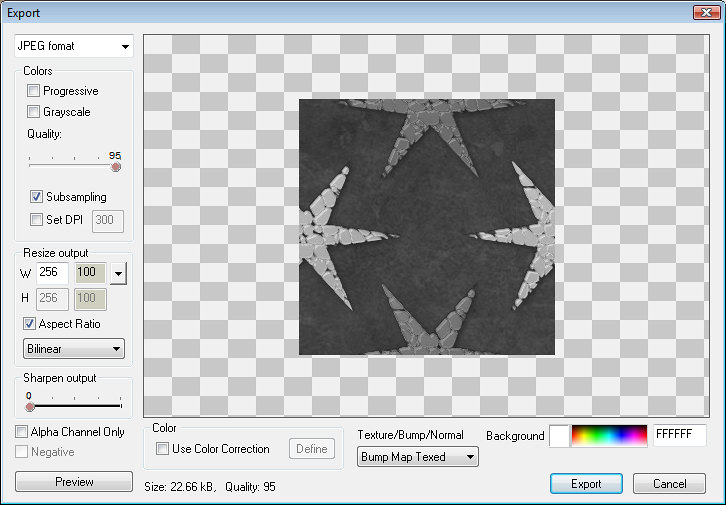
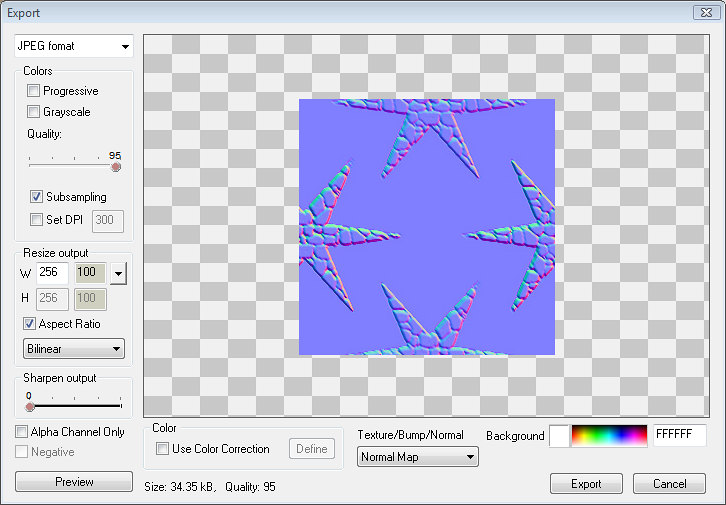
It is ideal tool for 3D artist with its automatic Bump, Normal and Alpha Map export or a perfect addition for Scrap-book or Web designer with the palette of creative effects and options.
Highlights:
- Flexible, non-destructive, always editable editing
- Create never before seen realistic or Natural media graphics
- High Pass filter and Perspective correction
- 3D lighting system
- Robust project simplification using Packages
- Export to Adobe Photoshop with separate layers
- Scalable Megarender technology can produce multi-mega pixels output even from small few-hundred pixel canvas
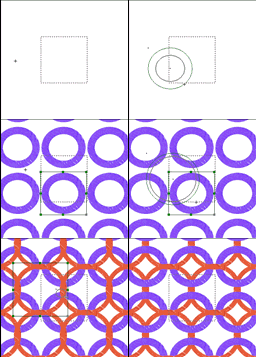 |
Start drawing your texture or pattern from scratch. All objects are always editable and always seamless. |
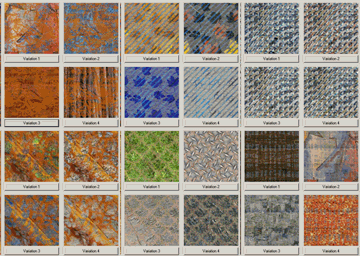 |
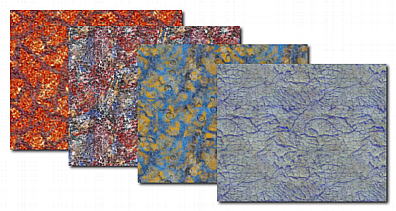
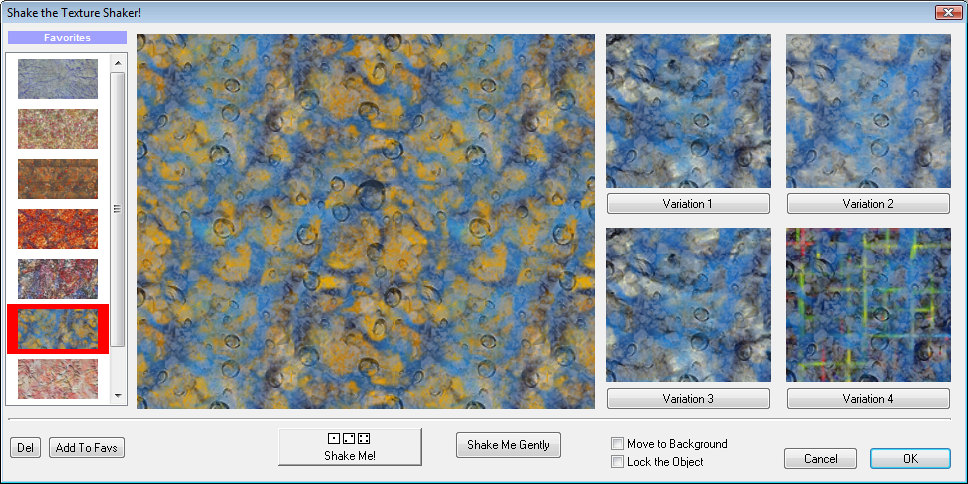
Don't know where to start? Let Texture Shaker to help you to mix the right texture to start with. |
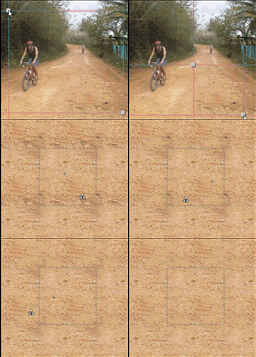 |
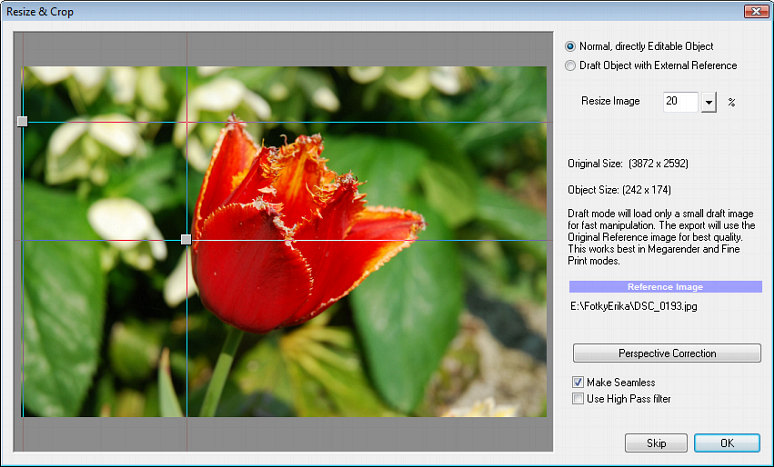
Create texture from your photos and then edit them with the clone tool or various brushes. |
Features
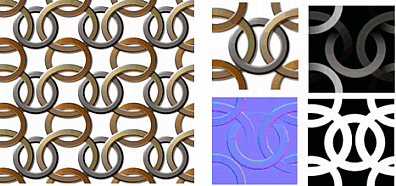 Bump
Map export
Bump
Map exportAlways Automatically Seamless
Whatever you draw or paint is automatically
seamless. In fact you see the whole texture
repeat right there during the design.
Vector-like Editing
Any object you create is editable all the time.
You can change shapes, group objects, move them
in layers, resize, edit envelopes etc. Any
object has its own changeable properties like
color, texture, outline, lights, material,
transparency, multiple 3D effects, bevels,
shadows, motion blur and much more.
Bitmap Editing
Unlike in a normal vector editor you can
actually paint directly onto any vector object
using airbrushes, 3D or Artistic brushes and
special Image Nozzles. You can paint on the
canvas and the strokes will become another
seamless object to which you can apply effects,
just as with vector objects. Importing images
from disc allows you to create seamless textures
from photos with special High Pass filter and
Perspective Correction.
3D Effects
You can apply various bevels and extrude effects
to any object or bitmap to create
three-dimensional look. You can get even closer
to rendered-like image by applying an unlimited
number of 3D lights to any object or by changing
its material properties. For example it very
easy to create realistic metallic textures -
often a big problem in standard vector drawing
packages.
Scalable output
One of the Pattern Studio strength is that you
can design in small size then export it with
Megarender into much larger yet crisp output.
Texture Shaker and GenetX
Not sure how to start? Use Texture Shaker to
generate a seamless texture and its variations
with one click.
Non-Photo Realistic Styles
At any time you can switch the output to one of
many Global NPR Styles for instant hand-drawn
output using pencil, watercolor or even a paint.
As any other feature in Pattern Studio, this is
non destructive, you can easily switch between
styles, go back to original style or tweak the
current style to your preference.
Export to Adobe Photoshop
You can export the whole design into Adobe
Photoshop keeping all the layers, transparency
channels, shadow layers and layer names as you
created them in Pattern Studio.
You can also use MegaRender technology to export
large quality work to Adobe PhotoShop.
Screen-shots



Tutorial
Download Quick Start Tutorial:
- Seamless Mosaic pattern
What we will produce in this tutorial is a great looking mosaic texture complemented with correct Bump and Normal map.
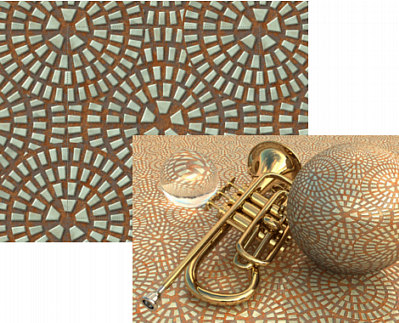
Texture created with
Pattern-Studio and used in 3D software.
System Requirements
Minimum System Requirements
- Microsoft® Windows® 7, Vista or XP (32-bit or 64-bit editions)
- 1 GHz processor or better
- 2 GB of RAM
- 1 GB of free disk space
- Minimum screen resolution: 1024 x 768 (highly recommended higher resolution)
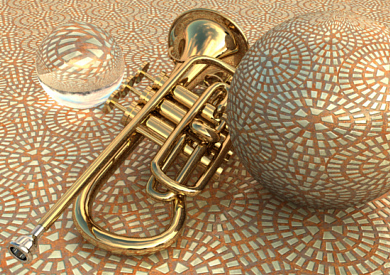
Texture created with
Pattern-Studio and used in 3D software.
Free Trial
 Platform:
XP, Vista, W7 (32/64
bit) 57 MB
Platform:
XP, Vista, W7 (32/64
bit) 57 MB
Version:
5.2.1
-
Pstudio5.exe (34 MB)
This is a 30-day fully functional Trial version.
This file works for Windows XP, Vista 32/64 bit and W7 32/64 bit

Video
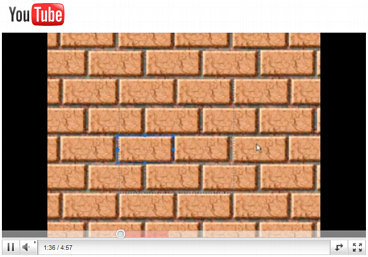
See in real-time how easy and visual it is to create completely new brick wall texture from scratch. We will start with Texture Shaker to Randomly generate the background texture.
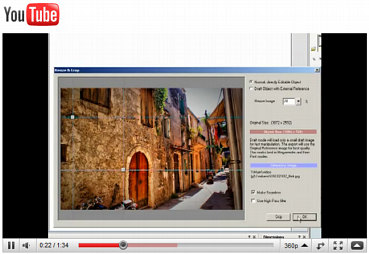
This video shows how simple it is to create a texture from a photo, use the High Pass filter to fix uneven lighting, then use clone too. What may not be obvious is that the clone tool is in fact used on a separate layer for better editing.
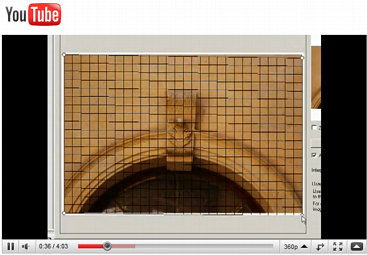
This video shows how to use perspective correction with photos.
This video shows few advanced features.
May we suggest?